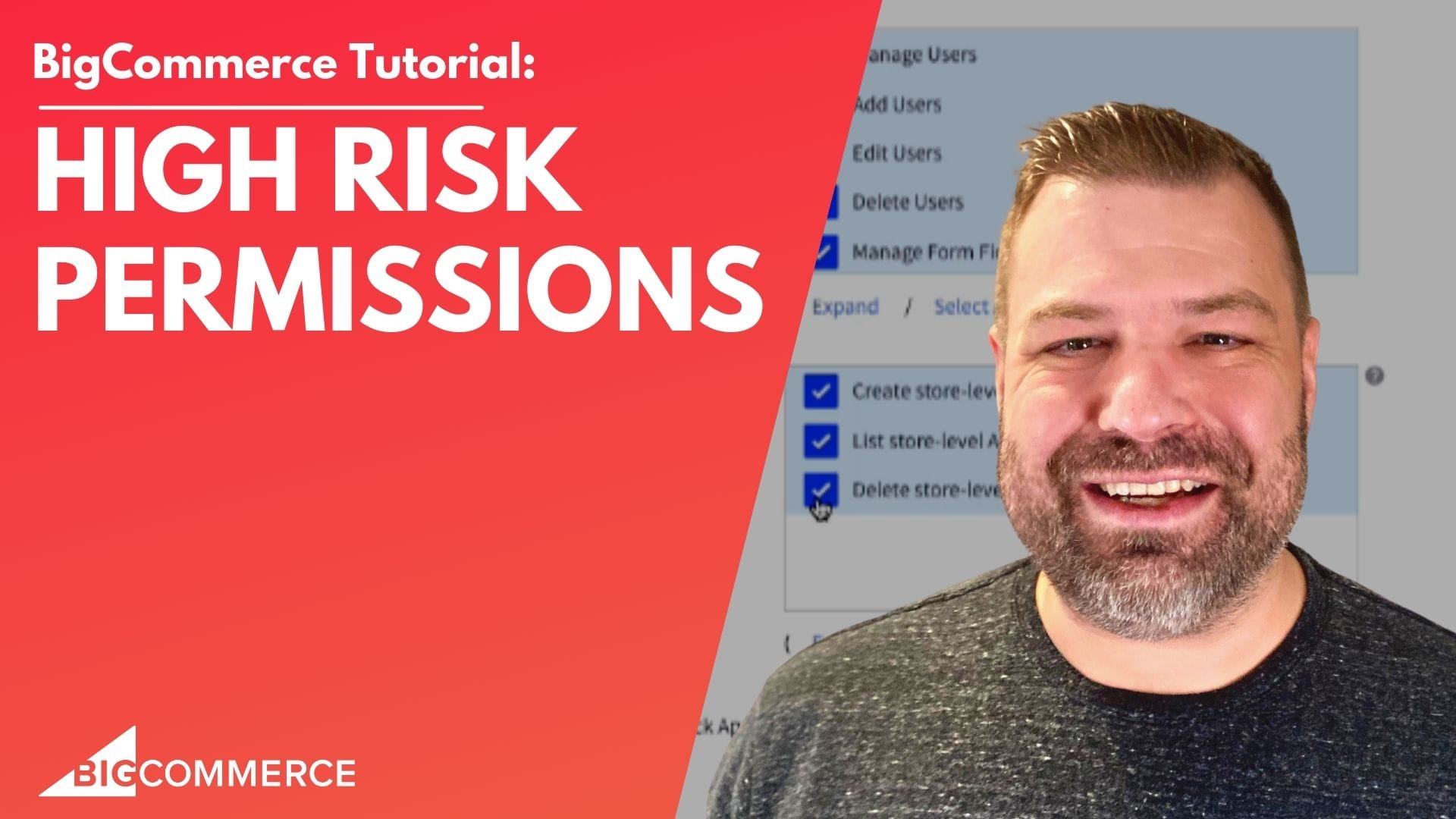
BigCommerce has continuously provided merchants with tools to bolster sales staff their e-commerce stores. One of the latest features to garner attention is the introduction of high-risk permissions. But what does this mean for you as a store owner, and more importantly, how can you utilize this feature to streamline your developer and sales staff’s tasks?
Kal, the CEO of Epic Design Labs and a proficient bigcommerce developer, delves deep into this feature in his latest video.
The Heart of High-Risk Permissions
In a digital ecosystem where access permissions for individual users can determine the fate of sales manager a store’s data integrity, BigCommerce’s high-risk permissions come as a breath of fresh air for both developers and store owners. Kal illuminates the key aspects of this feature:
- Location: Found under Account Settings when creating or editing a user account.
- Purpose: To grant developers the authority to create, view, or delete API keys.
- Types of API Keys: Two distinct API keys are highlighted; the CLI stencil keys (beneficial for developers for front-end tasks) and the v2 v3 API key (essential for apps to interact with your store).
Why Trusting Your BigCommerce Development Agency is Crucial
Granting high-risk app permissions, is no light matter. By giving this access, you’re allowing your developer to communicate in and out of your system admin your store’s data, making it easier for them to complete tasks without the constant need to bug you for user account permissions. Yet, as the term suggests, these user permissions come with risks. Kal, with his experience as both a developer and store owner, emphasizes the importance of placing trust in your Bigcommerce development agency. If there’s a hint of doubt? Maybe it’s time to reconsider who’s handling your store’s development.
If you’re in the e-commerce realm, understanding the details and nuances of any new user account permissions, especially ones as critical as high-risk user account permissions in BigCommerce, is essential. Kal’s video is a deep dive into the feature’s practicalities and potential impacts on your store.
We’ve provided a snapshot, but the real essence and depth of knowledge are in the video itself. So, why wait?
Watch the full video above and get a comprehensive insight into high-risk permissions in BigCommerce.

Related Resources
View All →
3 ways to Add or Edit a Carousel on BigCommerce
If you’re looking to enhance your BigCommerce store’s design with a sleek carousel or slideshow, you’re in the right place. \[…\]
Add a Free Gift with Purchase on BigCommerce
Looking for a way to boost customer loyalty and increase sales on your BigCommerce store? Offering a free gift with \[…\]
Add Products to the Homepage of Your BigCommerce Store
In this video tutorial, I walk you through two simple ways to add products to your BigCommerce store homepage, helping \[…\]
BigCommerce Sitemaps 101
Are you ready to supercharge your BigCommerce store’s SEO? If you’ve ever wondered about the ins and outs of sitemaps \[…\]
Edit the Newsletter Optin Block on BigCommerce
Are you looking to customize the “Subscribe to our Newsletter” box on your BigCommerce store? In this video, I walk \[…\]
Editing Custom Fields via CSV in BigCommerce
Are you looking to efficiently manage custom fields for your products in BigCommerce? Editing via CSV is a powerful method \[…\]
Editing Products via CSV in BigCommerce
Managing products in your BigCommerce store can become overwhelming as your inventory grows, but CSV editing makes bulk updates quick \[…\]
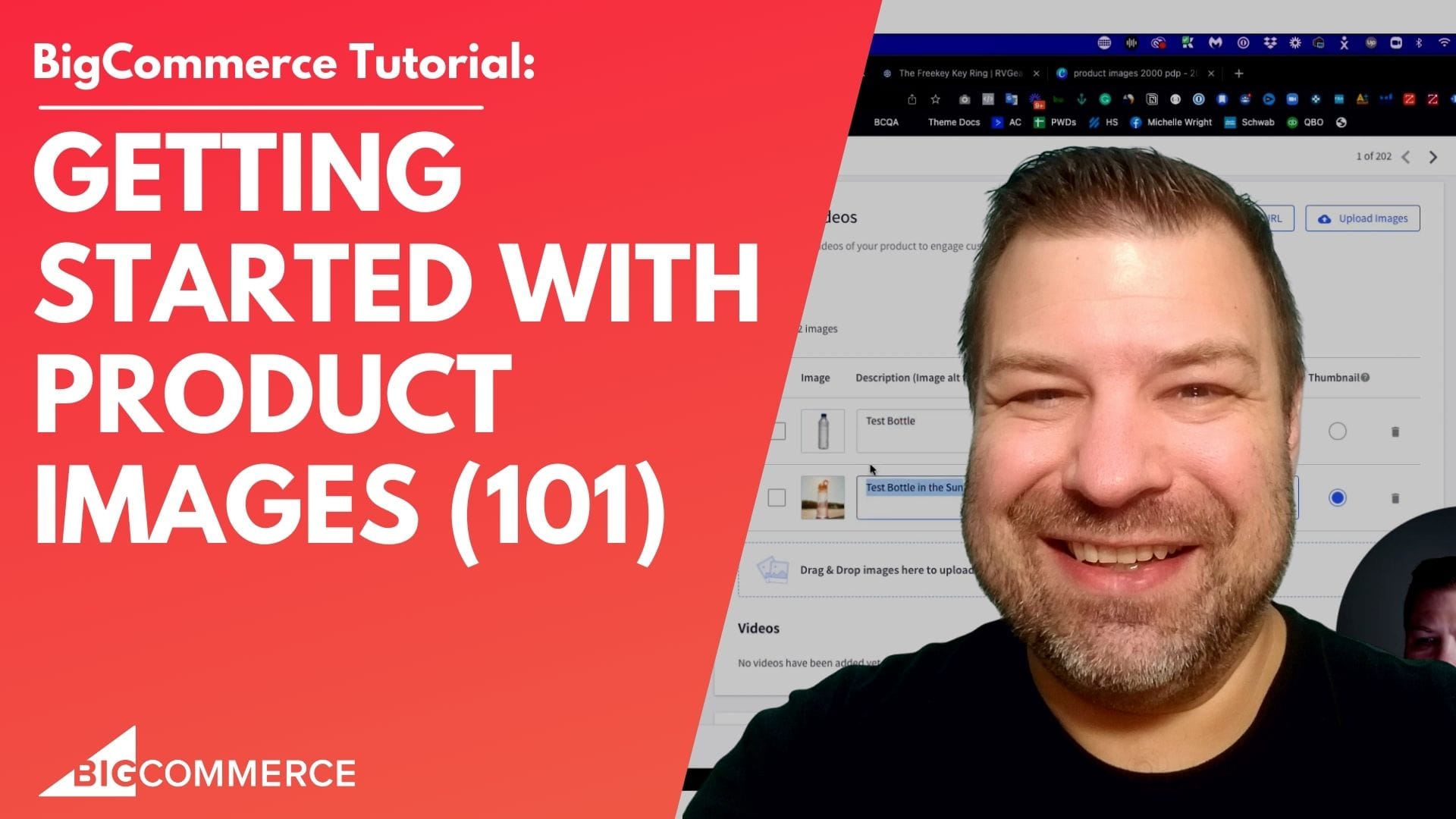
Getting Started with Product Images on BigCommerce
Are you struggling to upload product images to your BigCommerce store? In this video, Kal Wiggins, an ecommerce expert and \[…\]
How do I add pages to my BigCommerce store?
Are you looking to add custom pages to your BigCommerce store but aren’t sure how to get started? In my \[…\]