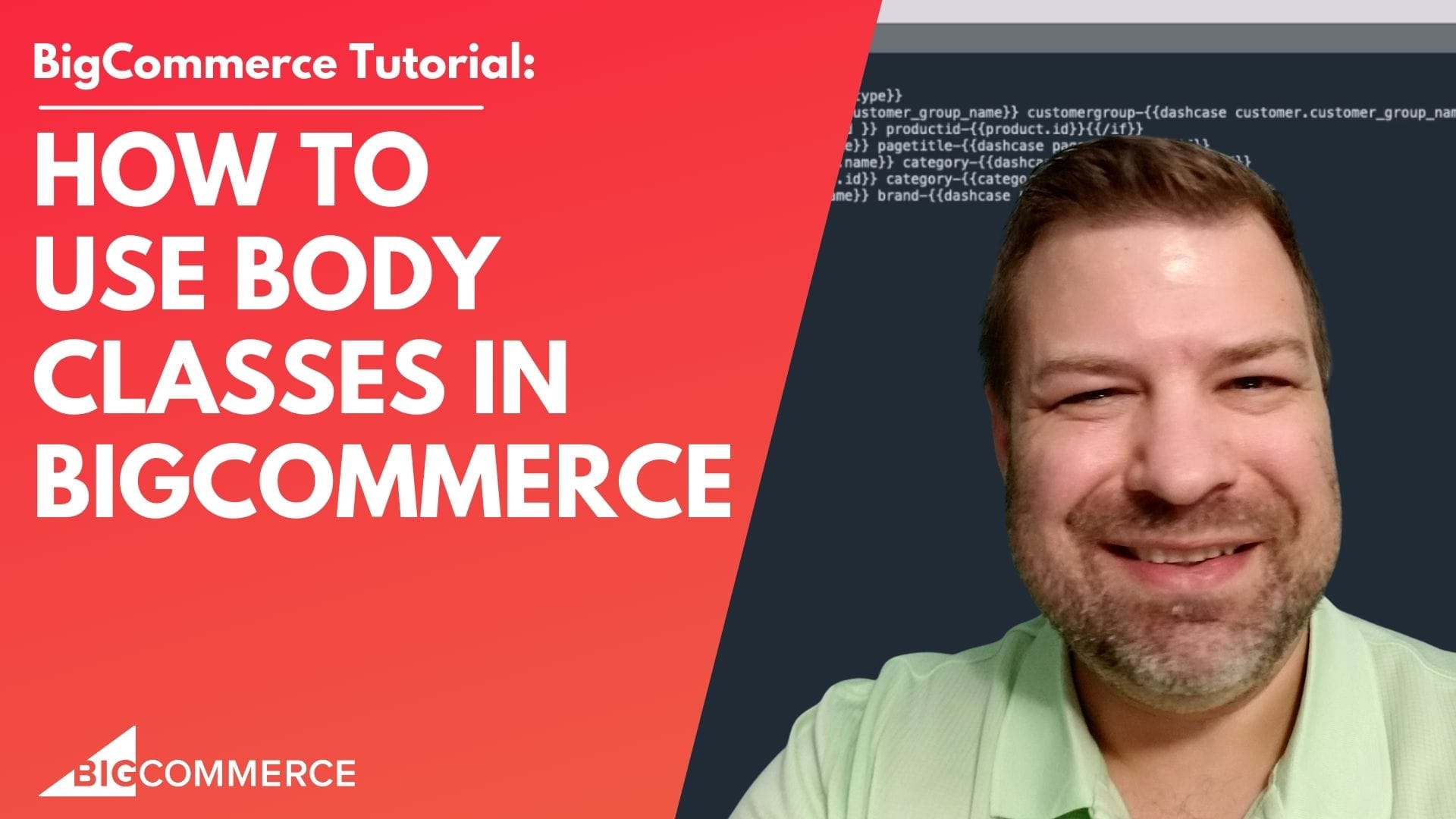
If you’re managing a BigCommerce store and want to level up your CSS and JavaScript targeting, this video is exactly what you need. In this guide, I walk you through how to use body classes to target specific pages, categories, and products on your store. These body classes will give you finer control over your styling and functionality, helping you create more tailored user experiences.
Before diving into the details, make sure to watch the full video below. I cover everything step-by-step, including tips and tricks that have helped me after years of BigCommerce development.
Key Takeaways from the Video:
- What Are Body Classes in BigCommerce?
Learn how body classes help you target specific pages and elements using CSS and JavaScript, giving you more precision in your customizations (00:02). - Why Prepending Body Classes Matters
Avoid conflicts by prepending your body classes to prevent them from clashing with existing classes in your theme (01:47). - Using Conditional Logic for Cleaner Code
Implementif statementsto ensure body classes only appear when needed, such as when a user belongs to a specific customer group (03:24). - Leverage Dash Case Formatting
Clean up your body class names by converting spaces to dashes and making everything lowercase. This helps you avoid any unwanted conflicts with other page elements (05:10). - How to Implement Body Classes in Your Theme
See a practical demonstration of adding body classes to your BigCommerce theme’s base HTML file. Learn how to target specific pages, categories, and products for customization (09:10).
By the way, here’s the exact body classes I use currently:
store-{{ settings.store_hash }} pagetype-{{page_type}} {{#if customer.customer_group_name }} customergroup-{{dashcase customer.customer_group_name}}{{/if}}{{#if product.id }} productid-{{product.id}}{{/if}}{{#if page.title}} pagetitle-{{dashcase page.title}}{{/if}}{{#if category.name}} category-{{dashcase category.name}}{{/if}}{{#if category.id}} category-{{category.id}}{{/if}}{{#if brand.name}} brand-{{dashcase brand.name}}{{/if}}By the end of this video, you’ll have a solid understanding of how to use body classes to create more powerful and dynamic pages on your BigCommerce store.
👉 Watch the full video now and start implementing these tactics in your store today!

Related Resources
View All →
3 ways to Add or Edit a Carousel on BigCommerce
If you’re looking to enhance your BigCommerce store’s design with a sleek carousel or slideshow, you’re in the right place. \[…\]
Add a Free Gift with Purchase on BigCommerce
Looking for a way to boost customer loyalty and increase sales on your BigCommerce store? Offering a free gift with \[…\]
Add Products to the Homepage of Your BigCommerce Store
In this video tutorial, I walk you through two simple ways to add products to your BigCommerce store homepage, helping \[…\]
BigCommerce Sitemaps 101
Are you ready to supercharge your BigCommerce store’s SEO? If you’ve ever wondered about the ins and outs of sitemaps \[…\]
Edit the Newsletter Optin Block on BigCommerce
Are you looking to customize the “Subscribe to our Newsletter” box on your BigCommerce store? In this video, I walk \[…\]
Editing Custom Fields via CSV in BigCommerce
Are you looking to efficiently manage custom fields for your products in BigCommerce? Editing via CSV is a powerful method \[…\]
Editing Products via CSV in BigCommerce
Managing products in your BigCommerce store can become overwhelming as your inventory grows, but CSV editing makes bulk updates quick \[…\]

Getting Started with Product Images on BigCommerce
Are you struggling to upload product images to your BigCommerce store? In this video, Kal Wiggins, an ecommerce expert and \[…\]
High-Risk Permissions in BigCommerce
BigCommerce has continuously provided merchants with tools to bolster sales staff their e-commerce stores. One of the latest features to \[…\]