Looking for a way to boost customer loyalty and increase sales on your BigCommerce store? Offering a free gift with purchase is a proven strategy that can give your customers that extra incentive to complete their orders. In this detailed tutorial, Kal from Epic Design Labs walks you through the entire process of setting up a “free gift with purchase” promotion in BigCommerce, using their new advanced editor.
Watch the video below to learn how to effortlessly implement this feature in your store and provide added value for your customers without using any third-party apps. Kal, an experienced BigCommerce developer, explains everything you need to know to get started.
Key Takeaways from the Video:
Here’s a quick summary of the steps and important points covered in the video to help you implement this feature quickly:
- (00:00) Introduction to Free Gift with Purchase
Kal explains the benefits of offering a free gift with purchase, especially for brands in the fashion industry, and introduces the updated BigCommerce promotions feature. - (00:29) Overview of BigCommerce’s New Promotions Tab
The new promotions feature eliminates the need for third-party apps, making it easy to set up a free gift promotion directly within BigCommerce’s interface. - (02:05) Setting Up Custom Rules for the Promotion
Kal demonstrates how to configure custom rules, ensuring customers automatically receive a free gift when they purchase any product without needing a coupon code. - (03:08) Fine-Tuning the Promotion
He walks through adding conditions like limiting the number of gifts per cart, excluding specific categories, and setting quantity limits for the promotion. - (04:45) Demonstration of How the Promotion Works
Kal showcases a live demonstration, adding a product to the cart and confirming that the free gift appears. He also shows how the gift is automatically removed if the purchased product is taken out of the cart.
Why You Should Watch This Video:
Setting up a free gift promotion can greatly enhance your customers’ shopping experience and boost conversions. This step-by-step guide by an expert makes it simple for you to implement this feature in your BigCommerce store. Watch the full video to see how to get everything up and running in just a few minutes.
If you’re ready to level up your promotions and drive more sales, watch the full video now and follow along with Kal’s clear instructions.
Full Transcript
(00:00)
Free gift with purchase is a great way to reward your customers and make them love you. Usually, brands—especially fashion brands—like to throw in a little something extra. Let me show you how to do that in this video.
Before we get started, my name is Kal. I’m a store owner just like you, as well as a developer, and I’ve been building BigCommerce stores for 13 years. Let me share my screen, and if you find this helpful, hit the Subscribe button so you can see more of me on the internet.
(00:29)
Now, under the new BigCommerce “Promotions” tab, they revamped this about a year ago, and it is super slick. This is one of the new options they have, something that other platforms often require a third-party app for.
I’m going to delete an example and create a new promotion. You have two choices at the time of this video: Advanced Editor or Legacy Editor. We’re going to use the Advanced Editor, which is the new one. The Legacy Editor had more limitations, although some people may still prefer it for certain features.
(01:08)
Let’s call this promotion “Free Gift.” I’ll set it to start today (you can see when I’m recording this), but you can change the start date if needed. For targeting, we’re going to keep it wide—applicable to everyone—but you can narrow it down if you want to target a specific segment, like people in a certain location.
This is an automatic promotion, so it doesn’t require a coupon code. The only thing we need to set up is the rules. You might want to use usage limits, but for now, let’s look at the rules.
(02:05)
This is where we determine what the customer gets. There are options like BOGO, percentage off, etc. We’re going to use custom rules, although you can get there from the BOGO option as well. So, let’s click “Next.”
We’ll set it up so that if a customer buys any product (or reaches a quantity of 1), they’ll get a free gift. You could also set a condition for the customer to hit a certain dollar amount, but for now, we’ll just use the quantity rule.
(02:35)
For this example, let’s apply this to all products, so that no matter what someone buys, they’ll get the free gift. If you want to exclude certain groups—like wholesale customers—you can set that up as well.
Now for the reward, we’ll select “Reward them with a gift in their cart.” You can set this to once per cart or unlimited times, but I recommend keeping it to once per cart so you’re not giving away 10 free gifts.
We’ll include one unit of a product. Let’s select something cheap, like the Bio Orb cleaning pads. Now, whenever someone adds something to their cart, they’ll get these cleaning pads added for free.
(03:42)
Next, we’ll add the rule to the promotion: If a customer buys something in their cart, they’ll get this free gift. You can also add usage limits—like if you only have 50 cleaning pads to give away, limit the promotion to 50. You can also set whether or not this promotion can be used in conjunction with other promotions.
I’m going to set this up now, and the promotion is created.
(04:45)
Let’s check the front end. I’ll add something to my cart—let’s say one unit of Sample Producto Muy Grande in red (because we don’t want the Muy Grande in green). When I add it to my cart, look what’s in there! My Muy Grande and my Bio Orb cleaning pads are included for free.
(05:21)
What happens if I remove the product? Will the free gift stay? Let’s try it… boom, it’s gone. So, they only get the free gift if they’re actually buying something. The free gift will appear in the cart before they complete their purchase, and if they remove the item, the free gift is removed too.
There’s no such thing as a free sandwich!
(05:48)
Hopefully, this is something you’ll use in your store. I appreciate you checking out my video. Hit me up at epicdesignlabs.com if you want help with your store. Leave a comment below with what you’re stuck on, and maybe that’ll be my next video.
See you in the next one. Thank you so much!

Related Resources
View All →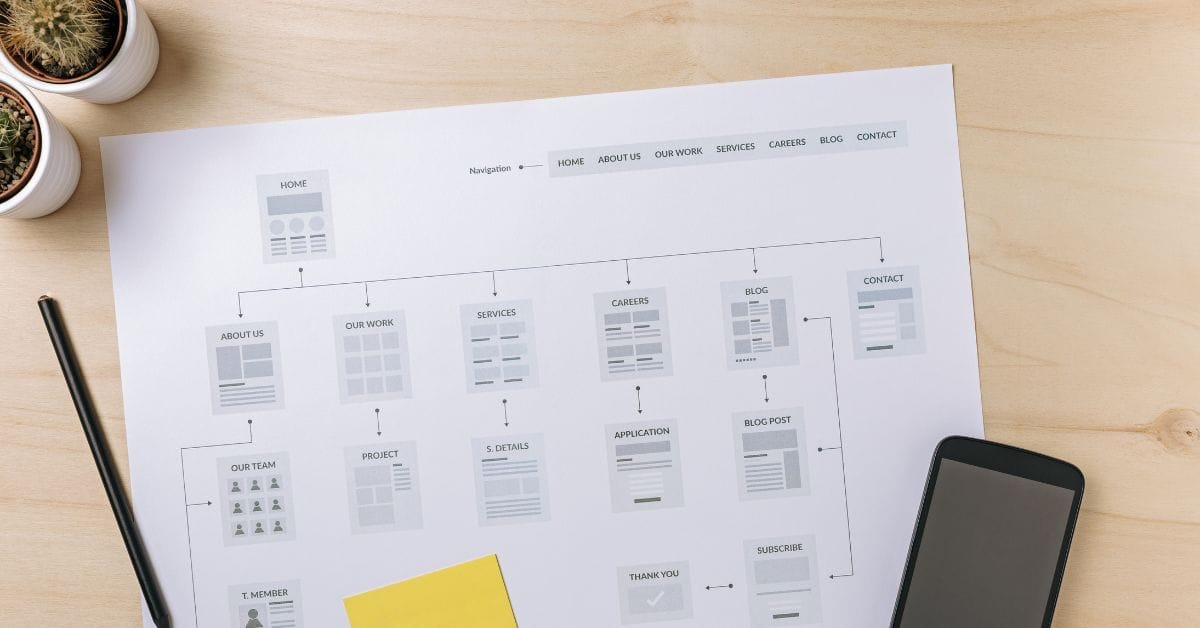
Where is the Sitemap on BigCommerce?
Are you trying to find your sitemap on BigCommerce but aren’t sure where to look? Whether you’re submitting your sitemap \[…\]
What size should your hero image be
In the vast realm of e-commerce, mobile images and web desChoosing the right size for your hero image is crucial \[…\]
What is the BigCommerce API
If you’ve been working in ecommerce, especially with BigCommerce, you’ve probably heard the term “API” thrown around. But what exactly \[…\]
What is BigCommerce Stencil?
If you are still using the BigCommerce Blueprint theme framework, it’s high time that you switched over to their new \[…\]
Welcome to Epic Page Builder Widgets
If you’re running an ecommerce store on BigCommerce, streamlining your page design without the constant need for developers is crucial. \[…\]
Stencil Local Development – Walkthrough
If you’re looking to develop on BigCommerce, using Stencil Local Development is a game-changer. In this video, I walk you \[…\]
Remove Powered by BigCommerce Link
If you’re running a BigCommerce store and want to remove the Powered by BigCommerce link at the bottom of your \[…\]
Page Builder Fields In Raw HTML BigCommerce Page Template
Are you trying to create custom landing pages on BigCommerce but struggling with how to use Page Builder fields in \[…\]
Most Popular Products on BigCommerce
Understanding Top Sellers and Customizing Your Store If you’re wondering how to display BigCommerce’s most popular products feed on your \[…\]