Managing taxes on your BigCommerce store can be tricky, especially if you’re unsure how to handle tax settings across different states. Whether you’re based in a state with no sales tax like Oregon or just want to disable taxes temporarily, this video will guide you through the process.
In this video, Kal Wiggins—an experienced developer and ecommerce store owner—shows you how to set your tax rate to zero in BigCommerce while explaining the potential pitfalls of skipping tax collection. While completely disabling taxes isn’t possible, Kal walks through a simple way to achieve your goal while staying compliant with BigCommerce’s tax settings.
Why You Should Watch This Video
Whether you’re just launching your BigCommerce store or looking for ways to manage tax settings more effectively, this quick tutorial will save you time and ensure you’re not caught off guard by tax requirements across different states. With straightforward instructions and expert advice, this video is a must-watch for store owners looking to optimize their tax settings.
Key Takeaways from the Video:
- (00:00) Introduction: Kal introduces himself and explains the purpose of the video—disabling taxes on BigCommerce.
- (00:35) Tax Disclaimer: Even if you’re in a no-sales-tax state, you may still be required to collect taxes from buyers in other states due to recent legal changes.
- (01:11) Avalara AvaTax: Learn why most businesses use Avalara AvaTax and why you can’t completely disable taxes, but you can set a 0% tax rate.
- (01:44) How to Set Tax Rate to Zero: Kal demonstrates how to navigate to Tax Rules, edit the settings, and set your tax rate to 0%.
- (03:00) Final Advice: While setting taxes to zero is possible, Kal recommends using Avalara AvaTax for compliance and tax management.
Get Started Now
Watch the video to ensure you’re setting up your store’s tax settings correctly and avoiding potential compliance issues. If you’re just getting started or want to double-check your configuration, this video will provide everything you need.
Full Transcript
(00:00)
Hey there! In this video, I’m going to show you how to disable your taxes on BigCommerce.
Before we get started, my name is Cal. I’m a developer and a store owner, just like you. Now, let me show you my screen, and I’ll walk you through where to find the tax settings.
(00:15)
So, first, go to Settings and then Tax. This will take you into your tax settings.
Before I dive in, I want to give a quick disclaimer: I’m not a tax advisor, and disabling taxes is probably not a good idea. Even if you’re in a state like Oregon, where my primary business is located and there’s no state sales tax, you might still be required to collect taxes when people purchase from other states.
(00:35)
In the past, businesses didn’t have to worry much about this, but recent court cases are pushing for taxation to be based on where the purchase happens. So, even if your state doesn’t have sales tax, you may still need to collect taxes for sales to customers in other states.
(01:11)
Now that the disclaimer is out of the way, let me show you how to disable taxes.
First of all, when you enter the tax settings, you’ll see an option for Avalara AvaTax. This is a service you can use for managing taxes. It’s free unless you use specific parts of their service. Most of my clients use Avalara AvaTax, but for the purpose of this video, I’m going to show you how to disable taxes.
Here’s the thing: you cannot fully disable taxes in BigCommerce. But what you can do is set your tax rate to zero. Here’s how:
Don’t install Avalara AvaTax if you don’t want to charge taxes.
Scroll down to Tax Rules and click Edit.
You’ll see an option that says “Basic Taxes Enabled” (or “Enabled” once you’re done saving this).
There’s nothing you need to change under Tax Classes, but you do need to edit something under Tax Rates and Zones.
(01:44)
There will be a Default Zone, and if you haven’t launched your store yet, go ahead and:
Click Edit Settings. You can get there through either the Settings Tab or the Tax Rates Tab—both lead to the same place.
In the Settings Tab, there’s nothing you need to change. You can read through it if you want, but most people don’t alter these settings.
Under Tax Rates, you’ll notice there isn’t a tax rate set. You must have a tax rate, even if it’s zero.
(02:12)
To set the tax rate to zero, follow these steps:
Add a new tax rate and name it “0%” (or whatever you want to call it).
Set the rate to 0%.
Enable this tax rate and Save.
(02:47)
Now your store won’t charge taxes, but there still needs to be a tax rate in place because the system requires it, even if the rate is zero.
That’s how you do it!
(03:00)
However, I highly recommend using Avalara AvaTax. It’s best in class, super affordable, and can save you a lot of headaches.
If you’re just getting started, make sure to check out my course linked above. Leave me a comment below to let me know what you’re struggling with—I make these videos to help you guys out, so the more feedback I get, the more helpful I can be!
Thanks so much!

Related Resources
View All →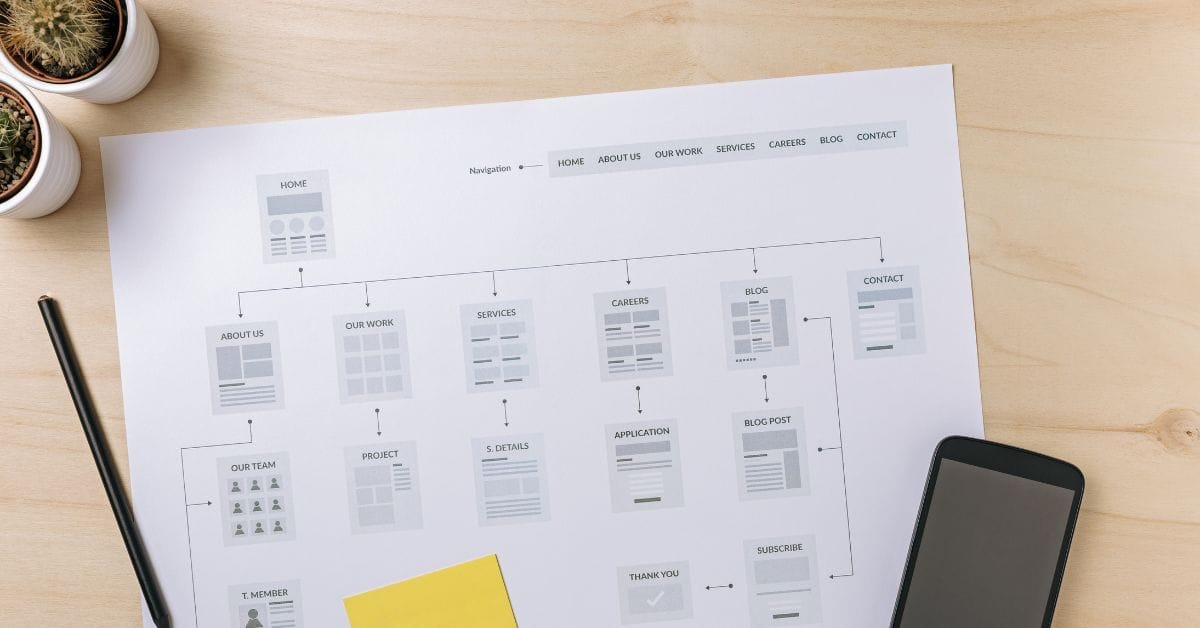
Where is the Sitemap on BigCommerce?
Are you trying to find your sitemap on BigCommerce but aren’t sure where to look? Whether you’re submitting your sitemap \[…\]
What size should your hero image be
In the vast realm of e-commerce, mobile images and web desChoosing the right size for your hero image is crucial \[…\]
What is the BigCommerce API
If you’ve been working in ecommerce, especially with BigCommerce, you’ve probably heard the term “API” thrown around. But what exactly \[…\]
What is BigCommerce Stencil?
If you are still using the BigCommerce Blueprint theme framework, it’s high time that you switched over to their new \[…\]
Welcome to Epic Page Builder Widgets
If you’re running an ecommerce store on BigCommerce, streamlining your page design without the constant need for developers is crucial. \[…\]
Stencil Local Development – Walkthrough
If you’re looking to develop on BigCommerce, using Stencil Local Development is a game-changer. In this video, I walk you \[…\]
Remove Powered by BigCommerce Link
If you’re running a BigCommerce store and want to remove the Powered by BigCommerce link at the bottom of your \[…\]
Page Builder Fields In Raw HTML BigCommerce Page Template
Are you trying to create custom landing pages on BigCommerce but struggling with how to use Page Builder fields in \[…\]
Most Popular Products on BigCommerce
Understanding Top Sellers and Customizing Your Store If you’re wondering how to display BigCommerce’s most popular products feed on your \[…\]