BigCommerce has established itself as one of the leading platforms in the e-commerce industry. As a result, many business owners are constantly on the lookout for ways to optimize their stores, connect third-party applications, or get more familiar with the backend sales data itself. One such fundamental yet often overlooked detail is the BigCommerce Store ID.
What is the Store ID?
Kal, the CEO of Epic Design Labs and an experienced store owner, delves into this very topic in our latest video. With vast experience as a BigCommerce product developer and leading a reputed bigcommerce development agency, Kal brings his expertise to the table, simplifying the process of locating your own BigCommerce account and Store ID.
The magic, as he explains, lies within your store’s URL. To be specific, the Store ID is the unique string of data that follows the “store-” in your permanent store URL. This ID is crucial, especially when you’re trying to integrate third-party apps that demand this unique identifier.
Key Takeaways from the Video:
- A step-by-step guide to navigating your BigCommerce dashboard and locating the URL.
- The significance of the store ID and its multiple applications.
- Clear instructions on which part of the URL string constitutes the store ID.
- An open invitation for viewers to communicate their challenges, allowing for more targeted content in the future.
For newcomers to the platform or even seasoned BigCommerce developers who’ve somehow overlooked this detail, Kal’s tutorial is concise, straightforward, and easy to follow.
Engage with Our BigCommerce Community
Kal doesn’t just offer a solution; he builds a community. He mentions his online community tailored for BigCommerce enthusiasts and entrepreneurs. By being a part of this community, you gain access to a plethora of insights, tips, and tricks to make your next BigCommerce product and customer journey smoother and more efficient.
Watch and Learn
If you’re in the realm of e-commerce, especially on BigCommerce, and wish to get more info and take the guesswork out of locating your Store ID, don’t miss out on this video. Whether you’re a novice starting out or a seasoned pro, there’s always something new to learn.
Watch the video above and arm yourself with more info on this essential piece of knowledge.

Related Resources
View All →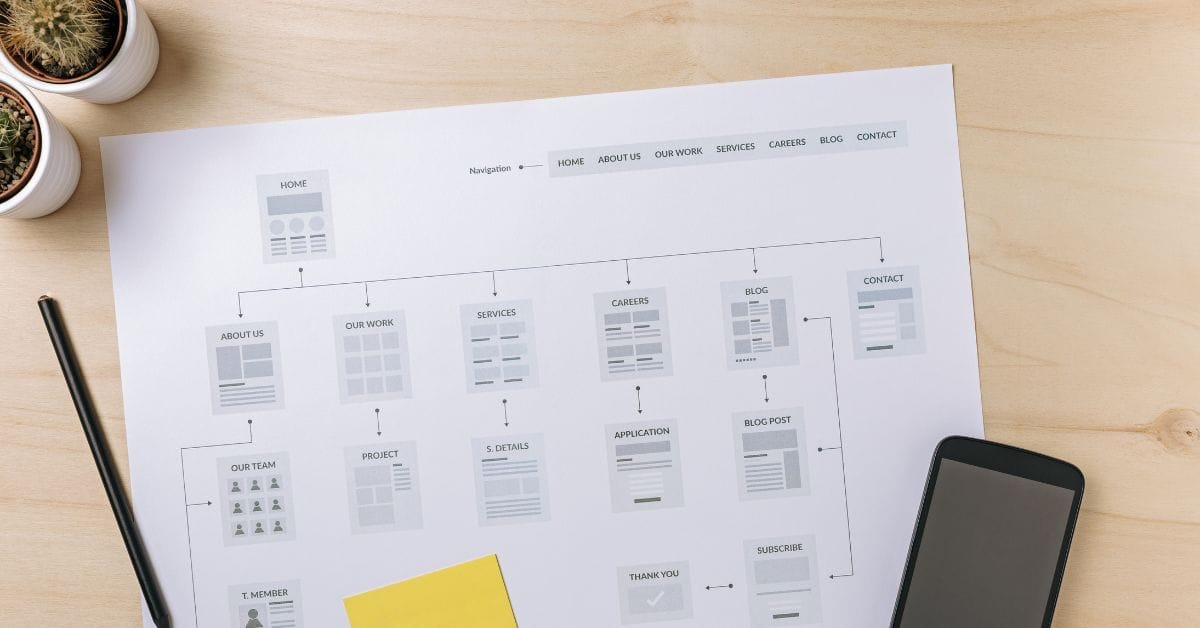
Where is the Sitemap on BigCommerce?
Are you trying to find your sitemap on BigCommerce but aren’t sure where to look? Whether you’re submitting your sitemap \[…\]
What size should your hero image be
In the vast realm of e-commerce, mobile images and web desChoosing the right size for your hero image is crucial \[…\]
What is the BigCommerce API
If you’ve been working in ecommerce, especially with BigCommerce, you’ve probably heard the term “API” thrown around. But what exactly \[…\]
What is BigCommerce Stencil?
If you are still using the BigCommerce Blueprint theme framework, it’s high time that you switched over to their new \[…\]
Welcome to Epic Page Builder Widgets
If you’re running an ecommerce store on BigCommerce, streamlining your page design without the constant need for developers is crucial. \[…\]
Stencil Local Development – Walkthrough
If you’re looking to develop on BigCommerce, using Stencil Local Development is a game-changer. In this video, I walk you \[…\]
Remove Powered by BigCommerce Link
If you’re running a BigCommerce store and want to remove the Powered by BigCommerce link at the bottom of your \[…\]
Page Builder Fields In Raw HTML BigCommerce Page Template
Are you trying to create custom landing pages on BigCommerce but struggling with how to use Page Builder fields in \[…\]
Most Popular Products on BigCommerce
Understanding Top Sellers and Customizing Your Store If you’re wondering how to display BigCommerce’s most popular products feed on your \[…\]