Magento 1 reached end of life on 30 June 2020. If you’re reading this on a store that still runs it, you already know that, and you’ve probably been deferring the decision for reasons that felt good at the time — cost, disruption, a store that still works.
This is written to make the decision easier, not to alarm you. But it starts with the part that should.
What end of life actually means
No security patches. Adobe stopped publishing them in June 2020. Every vulnerability discovered since then is open on every Magento 1 store, and attackers know precisely which stores those are — the platform is trivially fingerprintable.
Card-skimming is the specific risk. Magento 1 stores were a primary target for skimming attacks before end of life and remain so after it, because the attack surface is known and static. This isn’t theoretical; it’s a documented pattern, and it’s why payment card networks issued warnings about Magento 1 specifically as the deadline approached.
PCI DSS requires supported software. Running an unsupported platform that handles cardholder data puts your compliance at risk. A failed assessment can mean fines, higher processing fees, or a processor declining to work with you. On Magento 1, this is a question of timing.
The ecosystem has moved on. Extension developers stopped supporting M1. Hosting providers have deprecated it. The pool of developers who can work on it shrinks every year and their rates rise accordingly.
On community forks
Community-maintained forks exist that continue to publish security patches for the Magento 1 codebase, and some merchants rely on them. That is genuinely better than running an unpatched store.
It doesn’t change the fundamental picture. You’re still on an unsupported platform, your PCI assessor and processor may not accept a community fork as “supported software,” extensions aren’t being maintained for it, and the developer pool is the same shrinking one. A fork buys time. It isn’t a destination, and the time it buys is worth spending on choosing one.
The upside of deciding now
Merchants who leave Magento 1 after a failed audit or a security incident choose their destination under pressure, on a timeline they didn’t set, often into whatever an agency can deliver fastest.
Merchants who decide now get to choose on merit — and the choice is genuinely open, because the thing that makes it open is the thing that makes it hard: Magento 1 to Magento 2 is a rebuild, not an upgrade.
Magento 2 is a rebuild
Different codebase, different theme system, extensions replaced rather than carried over, data migrated rather than upgraded in place. The project is comparable in scale to a platform migration, because in every way that matters, it is one.
Which means the honest question isn’t “how do we upgrade” but “since we’re rebuilding anyway, is Magento still the right platform?”
Stay on Magento (2) if you genuinely use its depth — the configurable, grouped and bundled product model, native multi-store, Adobe Commerce B2B — and you have or can afford a Magento team. For those merchants it’s a reasonable answer and the alternatives are a downgrade.
Leave if you’re running a fairly conventional store on enterprise infrastructure. Most Magento 1 merchants we speak to are: one storefront, a catalog that would fit a hosted platform, B2B that customer groups would cover, and a total cost of ownership that has nothing to do with what they use.
Choosing a destination
If you leave, the choice between hosted platforms turns mostly on two facts about your business.
How are your products structured? Shopify allows three options per product. Magento configurable products routinely exceed that, and there’s no setting that reconciles it — only modelling decisions with merchandising consequences. BigCommerce allows far more variants and separates options from modifiers, so complex Magento catalogs land there more cleanly. Find your most complex product and count its attributes before you shortlist anything.
Do you sell wholesale? BigCommerce handles B2B natively on a standard plan — customer groups, price lists, quantity breaks, purchase orders. Shopify’s B2B lives on Plus.
The honest pattern from the migrations we’ve run: DTC brands with conventional catalogs go to Shopify and are glad of the checkout and the apps. B2B-heavy or catalog-heavy merchants go to BigCommerce and are glad they didn’t compress their products. Genuinely configurable products — configurators, thousands of valid combinations — are usually a headless conversation. The Magento vs Shopify comparison covers the trade in detail.
What the migration involves
Whatever the destination, the work that decides the outcome is the same. The redirect map — Magento’s category paths and .html URL suffixes change wholesale, so every URL needs a mapped equivalent, built from a crawl of the live store rather than its sitemap. The catalog remodelling, settled on a trial subset of your most complex products before anything else moves. Password hashes, which don’t transfer on any platform move, so every customer resets. And the extension audit, since customized extension behaviour rarely has a drop-in equivalent.
The SEO migration checklist covers the redirect work in full, and the ecommerce migration guide covers the rest.
If you’re still deciding
Two things are worth doing this week regardless of where you land. Confirm what your PCI assessor and payment processor currently require, so you know how much time you actually have. And find your most complex product and count its attributes, because that single fact narrows the destination more than anything else will.
If you’d like a second opinion on where a store like yours should go, tell us what you’re running. We’ve moved Magento merchants in every direction and we’ll tell you which one fits — including if it’s Magento 2.
Frequently Asked Questions
When did Magento 1 reach end of life?
Is it still safe to run Magento 1?
Can't we just keep patching it ourselves?
Should we upgrade to Magento 2 or move to another platform?
Shopify or BigCommerce for a Magento 1 store?

Related Articles
View All →What Adobe Commerce Actually Costs
Adobe Commerce pricing is quote-based and tiered on revenue — but the licence is the smallest part of what a Magento store costs to own. The full picture, and how to tell whether you're paying for capability you use.
The Shopify Variant Limit, Explained
Shopify allows three options per product, and that constraint bites long before any variant count does. What the limits actually are, the real workarounds, and when a catalog genuinely doesn't fit.
Optimizing Your Shopify Store for Peak Performance
On most slow Shopify stores the theme is not the problem — accumulated app scripts are. How to find out which, before you pay for a rebuild.
BigCommerce Theme Performance Analysis
When it comes to ecommverce success, site performance is no longer optional. A slow-loading store can mean the difference between \[…\]
Ordoro Review: Inventory Management System for Dropshippers
For e-commerce businesses operating on platforms likein Shopify and BigCommerce, managing inventory and streamlining fulfillment processes become increasingly challenging as \[…\]

Unleashed Inventory Review: Managing Inventory for Shopify and BigCommerce Stores
For growing e-commerce businesses using Shopify and BigCommerce, the transition from basic inventory tools to a comprehensive inventory management software \[…\]
Zoho Inventory Review: Managing Inventory for Shopify and BigCommerce Stores
For small to mid-sized e-commerce businesses operating on Shopify or BigCommerce, managing inventory efficiently while keeping costs under control can \[…\]
Brightpearl Review: Managing Inventory for Shopify and BigCommerce Stores
As e-commerce businesses expand their operations across multiple sales channels, the complexity of inventory management increases exponentially. At this growth \[…\]
Cin7 Inventory Review: Managing Inventory for Shopify and BigCommerce Stores
As e-commerce businesses grow across multiple sales channels, inventory management becomes increasingly complex. Shopify and BigCommerce merchants often reach a \[…\]
Related Resources
View All →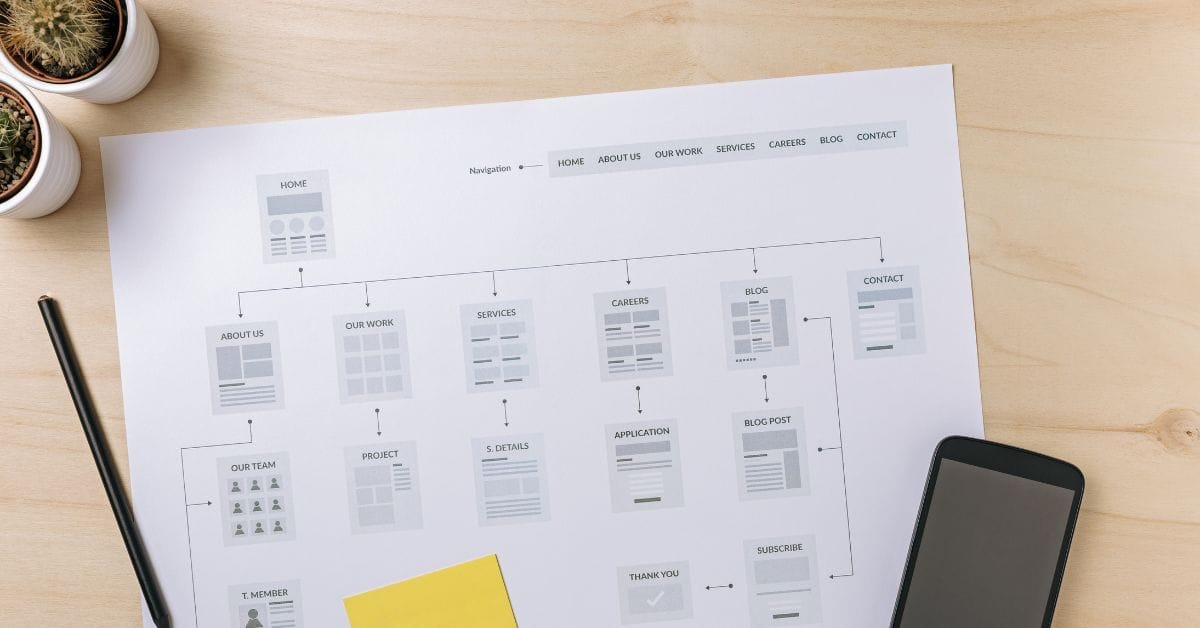
Where is the Sitemap on BigCommerce?
Are you trying to find your sitemap on BigCommerce but aren’t sure where to look? Whether you’re submitting your sitemap \[…\]

What size should your hero image be
In the vast realm of e-commerce, mobile images and web desChoosing the right size for your hero image is crucial \[…\]
What is the BigCommerce API
If you’ve been working in ecommerce, especially with BigCommerce, you’ve probably heard the term “API” thrown around. But what exactly \[…\]
What is BigCommerce Stencil?
If you are still using the BigCommerce Blueprint theme framework, it’s high time that you switched over to their new \[…\]
Welcome to Epic Page Builder Widgets
If you’re running an ecommerce store on BigCommerce, streamlining your page design without the constant need for developers is crucial. \[…\]
Stencil Local Development – Walkthrough
If you’re looking to develop on BigCommerce, using Stencil Local Development is a game-changer. In this video, I walk you \[…\]

Remove Powered by BigCommerce Link
If you’re running a BigCommerce store and want to remove the Powered by BigCommerce link at the bottom of your \[…\]

Page Builder Fields In Raw HTML BigCommerce Page Template
Are you trying to create custom landing pages on BigCommerce but struggling with how to use Page Builder fields in \[…\]
Most Popular Products on BigCommerce
Understanding Top Sellers and Customizing Your Store If you’re wondering how to display BigCommerce’s most popular products feed on your \[…\]