
BigCommerce publishes its platform limits across several documentation pages. This is the consolidated list, plus the part the documentation doesn’t tell you: which of these limits actually cause problems on real stores, and which you will never come near.
We have been building on BigCommerce since 2010. In that time a handful of these numbers have caused genuine architectural headaches, and the large majority have never come up once.
Verify before you architect around any of these. BigCommerce adjusts limits, and some vary by plan or are negotiable on Enterprise. Treat this as a map, then confirm the specific number that matters to you against current BigCommerce documentation or your account team.
Product and Category Limitations
- Maximum brands per store: 30,000
- Maximum featured products (Stencil): 25
- Maximum total of products displayed in home page panels: 50
- Maximum related products per product: 50
- Maximum categories per store: 16,000
- Maximum categories per product: 1,000
- Maximum category depth: 8 levels
- Maximum category name length: 50 characters
- Maximum category description length: 65,642 characters
- Maximum category image file size: 1 MB
- Maximum SKUs per product: 600
- Maximum stock value on the product and variant level: 2,147,483,647
- Maximum custom fields per product: 200
- Maximum characters per custom field: 255
- Maximum bulk pricing rules per product: 50
- Maximum option values per option: 250
- Maximum file size for product, variant, brand, and category images: 8 MB
- Maximum file size for variant or modifier swatch images: 1 MB
- Maximum images per product: 1000
- Maximum images per variant: 1
- Maximum images per product displayed in the control panel: 250
- Maximum frame count for GIF images: 150
- Maximum dimensions for GIF images: 5120 x 5120
Marketing and Promotions
- Maximum marketing banners per page: 50
- Maximum product filtering facets per page: 12
- Maximum displayed values per product filtering facet: 500
- Maximum WebDAV file size for imported files: 512 MB
- Maximum web content pages: 4,000
- Maximum visible promotions in Manage Promotion Priorities: 250
Technical and API Limitations
- Page load timeout: 8 seconds
- Maximum product name length: 255 characters
- Maximum custom product name fields length on orders: 250 characters
- Maximum SKU length: 255 characters
- Maximum option name length: 255 characters
- Maximum email template subject length: 255 characters
- Maximum coupon name length: 100 characters
- Maximum coupon code length: 50 characters
- Maximum Widgets per page: 150
- Maximum Widgets per store: 100,000
- Maximum URL length: 1,024 characters
- Store-level API accounts: 50
- API Calls (Trial Stores, Standard and Plus plans): 20,000 per hour
- API Calls (Pro plans): 60,000 per hour
- API Calls (Enterprise): Unlimited*
Other Limitations
- Maximum cart size for guest checkout: 50 items
- Maximum cart size for customer accounts: 600 items
- Maximum shipments per order: 50
- Maximum metafields per product, variant, category, brand, or channel: 250
- Maximum customer attributes per store: 50
- Maximum quantity limit per item: 1 million
- Maximum API response size: 8 MB
- Maximum Page Builder theme styles text field length: 64 characters
Which of these actually bite
Most of the list above is trivia. These are the ones we have watched cause real problems.
API calls per hour
20,000 per hour on Standard and Plus, 60,000 on Pro. This is comfortably the most consequential limit on the list, and the one people discover latest — usually when an ERP or PIM integration goes live and starts doing a full catalog sync.
The arithmetic catches people out. A naive sync that reads and writes each product individually across 10,000 SKUs will exhaust a Standard plan’s hourly budget in a single run. The fix is architectural rather than a plan upgrade: batch endpoints, delta syncs that only touch what changed, webhooks instead of polling, and a queue that respects the ceiling rather than discovering it. Build the integration that way and 20,000 is plenty. Build it the obvious way and 60,000 won’t save you.
Product filtering facets: 12 per page
This is the limit that shapes large-catalog storefronts, and it arrives sooner than anyone expects. Twelve facets sounds generous until you have size, color, material, brand, price, rating, availability, and then four attributes specific to your category.
It is a real design constraint, not a technical one you can engineer past — it forces decisions about which filters earn their place on which category. Worth confronting during design rather than after launch, because the answer is usually category-specific faceting rather than one global filter set.
One image per variant
Small number, outsized irritation. Stores selling the same garment in eight colors want several photographs per color, and the platform gives you one per variant.
There are workarounds — image swapping driven by option selection, custom fields carrying additional URLs, or a headless storefront that manages its own media. All of them are custom work. If variant photography is central to how you sell, factor it in rather than assuming it comes free.
Guest checkout cart: 50 items
Irrelevant for most retail and immediately relevant for wholesale. B2B buyers placing restock orders across a catalog routinely exceed 50 line items, and the limit only lifts for customers with accounts.
In practice this is an argument for requiring accounts on a B2B storefront, which you probably want anyway for customer-group pricing. But it is better to design that deliberately than to find out from a wholesale customer.
SKUs per product: 600
For comparison, Shopify caps every product at three options — a constraint that bites well before any SKU count does. The Shopify variant limit, explained covers that side.
Fine for conventional variant structures and a hard wall for configurators. Four options with five values each is 625 combinations — already over the limit, from a product that does not feel complicated.
If you are selling genuinely configurable products, the answer is usually not variants at all. Modifiers, custom quoting, or a headless storefront with its own configuration logic handle this far better than trying to enumerate every combination as a SKU.
Page load timeout: 8 seconds
Rarely hit by the theme itself, occasionally hit by something the theme calls. A third-party service that hangs inside a Stencil template can take the page down with it.
The defensive pattern is straightforward and frequently skipped: never block a render on an external call, load third-party data client-side after first paint, and set aggressive timeouts on anything you do call server-side.
Web content pages: 4,000
Only relevant if you are running substantial content on the store itself. Most merchants running large content operations put them somewhere else anyway, which is generally the better architecture for other reasons.
The ones you will probably never hit
For balance, because limit lists have a way of sounding more alarming than they are: 30,000 brands, 16,000 categories, 8 levels of category depth, 1,000 images per product, 100,000 widgets per store, a million units of stock per item.
These exist as sanity bounds. If you are approaching them, the limit is not your problem — something upstream in your data model is.
Where limits become a platform decision
A limit becomes a reason to reconsider the platform only when working around it would cost more than moving, and that is a much higher bar than it first appears. Most of what gets blamed on BigCommerce limits is solvable with better integration design or a different data model.
The genuine cases we see are narrow: real-time pricing logic too conditional to express in price lists, configurable products that cannot be enumerated as variants, and checkout requirements a hosted checkout will not accommodate. Those are headless conversations, and we will run the comparison honestly rather than assume the answer.
If you are trying to work out whether a limit you have hit is a wall or a design problem, tell us what you’re running into — it is usually the second one.

Related Articles
View All →What Adobe Commerce Actually Costs
Adobe Commerce pricing is quote-based and tiered on revenue — but the licence is the smallest part of what a Magento store costs to own. The full picture, and how to tell whether you're paying for capability you use.
Magento 1 End of Life — What It Means If You're Still On It
Magento 1 reached end of life in June 2020. Stores still running it are on unpatched software that handles payment data. What that means for security and PCI compliance, what the options are, and how to choose a destination on merit rather than under pressure.
The Shopify Variant Limit, Explained
Shopify allows three options per product, and that constraint bites long before any variant count does. What the limits actually are, the real workarounds, and when a catalog genuinely doesn't fit.
Optimizing Your Shopify Store for Peak Performance
On most slow Shopify stores the theme is not the problem — accumulated app scripts are. How to find out which, before you pay for a rebuild.
BigCommerce Theme Performance Analysis
When it comes to ecommverce success, site performance is no longer optional. A slow-loading store can mean the difference between \[…\]
Ordoro Review: Inventory Management System for Dropshippers
For e-commerce businesses operating on platforms likein Shopify and BigCommerce, managing inventory and streamlining fulfillment processes become increasingly challenging as \[…\]

Unleashed Inventory Review: Managing Inventory for Shopify and BigCommerce Stores
For growing e-commerce businesses using Shopify and BigCommerce, the transition from basic inventory tools to a comprehensive inventory management software \[…\]
Zoho Inventory Review: Managing Inventory for Shopify and BigCommerce Stores
For small to mid-sized e-commerce businesses operating on Shopify or BigCommerce, managing inventory efficiently while keeping costs under control can \[…\]
Brightpearl Review: Managing Inventory for Shopify and BigCommerce Stores
As e-commerce businesses expand their operations across multiple sales channels, the complexity of inventory management increases exponentially. At this growth \[…\]
Related Resources
View All →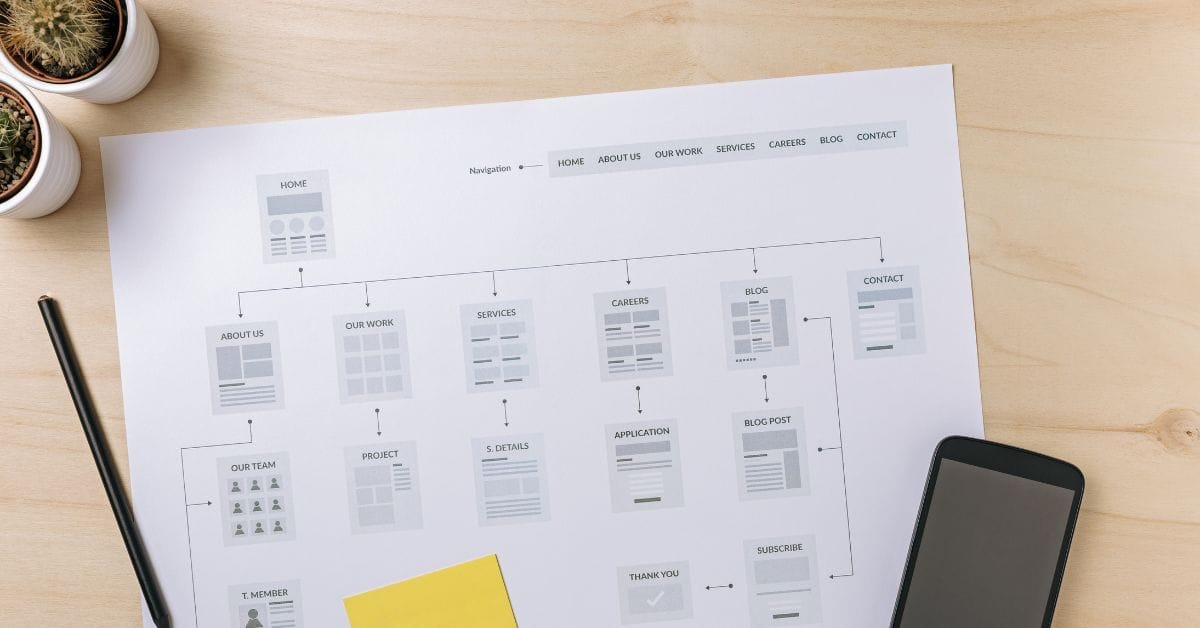
Where is the Sitemap on BigCommerce?
Are you trying to find your sitemap on BigCommerce but aren’t sure where to look? Whether you’re submitting your sitemap \[…\]
What size should your hero image be
In the vast realm of e-commerce, mobile images and web desChoosing the right size for your hero image is crucial \[…\]
What is the BigCommerce API
If you’ve been working in ecommerce, especially with BigCommerce, you’ve probably heard the term “API” thrown around. But what exactly \[…\]

What is BigCommerce Stencil?
If you are still using the BigCommerce Blueprint theme framework, it’s high time that you switched over to their new \[…\]
Welcome to Epic Page Builder Widgets
If you’re running an ecommerce store on BigCommerce, streamlining your page design without the constant need for developers is crucial. \[…\]
Stencil Local Development – Walkthrough
If you’re looking to develop on BigCommerce, using Stencil Local Development is a game-changer. In this video, I walk you \[…\]

Remove Powered by BigCommerce Link
If you’re running a BigCommerce store and want to remove the Powered by BigCommerce link at the bottom of your \[…\]

Page Builder Fields In Raw HTML BigCommerce Page Template
Are you trying to create custom landing pages on BigCommerce but struggling with how to use Page Builder fields in \[…\]

Most Popular Products on BigCommerce
Understanding Top Sellers and Customizing Your Store If you’re wondering how to display BigCommerce’s most popular products feed on your \[…\]