
Most migration checklists are a list of nouns: data, SEO, design, testing. This one is ordered by when things actually go wrong, which is a more useful ordering, because migrations rarely fail at the data-transfer step everyone worries about. They fail at the redirect map, and they fail quietly, six weeks later, when someone finally looks at the traffic.
We have run migrations in both directions across BigCommerce, Shopify and WooCommerce. Here is what the work actually consists of.
Before you touch anything: crawl the live site
This is the single most important step and the one most commonly skipped, because there is an obvious shortcut that does not work.
Do not build your URL inventory from the old sitemap. Sitemaps are incomplete on almost every established store — they miss orphaned pages, old campaign landing pages, discontinued products that still hold links, and anything the CMS stopped listing years ago. Those missing URLs are disproportionately the ones with backlinks pointing at them, because they have been around longest.
Crawl the live site instead, with Screaming Frog or similar, and pull a second list from your analytics and Search Console covering every URL that received a visit or an impression in the last year. Then pull your backlink profile. The union of those lists is your real inventory.
On a store of any age, the crawl typically finds 20–40% more URLs than the sitemap knows about.
Establish the baseline you’ll be judged against
Record, before launch, so that arguments after launch are about evidence:
- Organic sessions and revenue, by month, for the last twelve months
- Your top 100 pages by traffic and your top 100 by backlinks — these overlap less than you would expect
- Current rankings for the terms that matter
- Conversion rate and average order value
- Core Web Vitals
A migration almost always produces a temporary dip. Without a baseline you cannot tell a normal four-week dip from a genuine problem, and you will either panic or fail to react when it matters.
The redirect map
This is the part that determines whether the migration works.
Every URL from your inventory needs a destination. Not a category page, not the homepage — the closest equivalent page. Bulk-redirecting discontinued products to the homepage is a well-known way to have Google treat the redirect as a soft 404 and drop the equity entirely.
Decide what to do with genuinely dead pages. A discontinued product with no equivalent and no backlinks can 410. One with backlinks should go to the nearest relevant category or a replacement product.
Check both trailing-slash forms. Platforms differ on whether /product/ and /product are the same URL, and some hosting layers match redirect rules literally, with no normalization. A redirect map that works for one form and 404s the other will silently lose half of everything. We recently found exactly this on a site where four backlinks — including one from a DR 92 domain — were landing on 404s because the rule matched the slashed form only.
Avoid chains. If you have migrated before, your old rules may already point A→B. Your new map must point A→C directly, not A→B→C. Chains leak equity and eventually get abandoned by crawlers.
Test the map before launch, against the staging site, programmatically, every URL. Not a sample. The redirect work in full, as a working list: SEO migration checklist.
Data: what moves, and what quietly doesn’t
Products, categories and customer records generally transfer fine. The problems are in the things people assume will come along:
- Password hashes do not transfer between platforms. Every customer will need to reset. Plan the communication, because an unannounced forced reset on your entire customer base reads as a security incident and gets treated like one.
- Order history often does not migrate cleanly, and partial history is worse than none. Decide deliberately what you are keeping and where customers can see it.
- Reviews usually live in a third-party app rather than the platform, so they are a separate migration with its own export. They also carry your review structured data, so losing them has a visible search cost.
- Subscriptions almost never transfer. Recurring billing is tied to the payment processor and the app. This is frequently the single hardest part of a migration and it deserves its own plan.
- Gift cards and store credit are real liabilities. Confirm balances survive, or that you have a manual process.
- Tax configuration and shipping rules need rebuilding and re-verifying rather than porting.
SEO preservation beyond redirects
- Carry over titles and meta descriptions rather than regenerating them from templates — a wholesale rewrite at migration time makes it impossible to separate a design problem from a copy problem afterwards.
- Rebuild structured data. Product, breadcrumb and review markup are easy to lose in a theme change.
- Check canonical tags on the new platform, particularly on faceted category pages, where defaults are frequently wrong.
- Keep your robots.txt honest. Staging sites are normally blocked wholesale, and shipping that block to production is a classic, expensive launch-day mistake.
Pre-launch verification
Run all of this on staging, before the DNS change:
- Every redirect, both slash forms, no chains
- Every product page renders with correct pricing, inventory and variants
- Checkout completes end to end with a real payment method
- Tax and shipping calculate correctly for your actual destinations
- Analytics and conversion tracking fire
- Search Console verification is ready for the new property if anything about the domain changes
Launch, then watch
Lower your DNS TTL a day or two ahead so you can reverse quickly.
In the first 48 hours: monitor 404s continuously, watch server errors, confirm orders are flowing, and submit the new sitemap to Search Console.
Over the following weeks: watch the Coverage report for crawl errors, watch rankings on your priority terms, and expect a dip. A four-to-six week dip of 10–20% is normal. A dip that is still deepening at week six is a problem, and the cause is almost always the redirect map.
Keep the old platform accessible, not serving, for at least a month. When something turns out to be missing, you will want somewhere to look it up.
The part checklists can’t cover
The genuinely difficult migrations are not the ones with the most products. They are the ones where the old store had accumulated behaviour nobody documented — a pricing rule someone added in 2019, a shipping exception for one customer, an integration that silently does something important.
That is why a migration starts with an audit of what you actually have, rather than a plan for where you are going. More on how we run them on the ecommerce migration services page — and if you want a second opinion on what a move would actually involve, tell us what you’re running, including the parts you suspect nobody has documented.
Frequently Asked Questions
What actually causes migrations to lose traffic?
How long should we expect rankings to dip?
What data typically doesn't transfer?
Should we redesign at the same time as migrating?
Can we just redirect everything to the homepage?

Related Articles
View All →What Adobe Commerce Actually Costs
Adobe Commerce pricing is quote-based and tiered on revenue — but the licence is the smallest part of what a Magento store costs to own. The full picture, and how to tell whether you're paying for capability you use.
Magento 1 End of Life — What It Means If You're Still On It
Magento 1 reached end of life in June 2020. Stores still running it are on unpatched software that handles payment data. What that means for security and PCI compliance, what the options are, and how to choose a destination on merit rather than under pressure.
The Shopify Variant Limit, Explained
Shopify allows three options per product, and that constraint bites long before any variant count does. What the limits actually are, the real workarounds, and when a catalog genuinely doesn't fit.
Optimizing Your Shopify Store for Peak Performance
On most slow Shopify stores the theme is not the problem — accumulated app scripts are. How to find out which, before you pay for a rebuild.

BigCommerce Theme Performance Analysis
When it comes to ecommverce success, site performance is no longer optional. A slow-loading store can mean the difference between \[…\]
Ordoro Review: Inventory Management System for Dropshippers
For e-commerce businesses operating on platforms likein Shopify and BigCommerce, managing inventory and streamlining fulfillment processes become increasingly challenging as \[…\]

Unleashed Inventory Review: Managing Inventory for Shopify and BigCommerce Stores
For growing e-commerce businesses using Shopify and BigCommerce, the transition from basic inventory tools to a comprehensive inventory management software \[…\]
Zoho Inventory Review: Managing Inventory for Shopify and BigCommerce Stores
For small to mid-sized e-commerce businesses operating on Shopify or BigCommerce, managing inventory efficiently while keeping costs under control can \[…\]
Brightpearl Review: Managing Inventory for Shopify and BigCommerce Stores
As e-commerce businesses expand their operations across multiple sales channels, the complexity of inventory management increases exponentially. At this growth \[…\]
Related Resources
View All →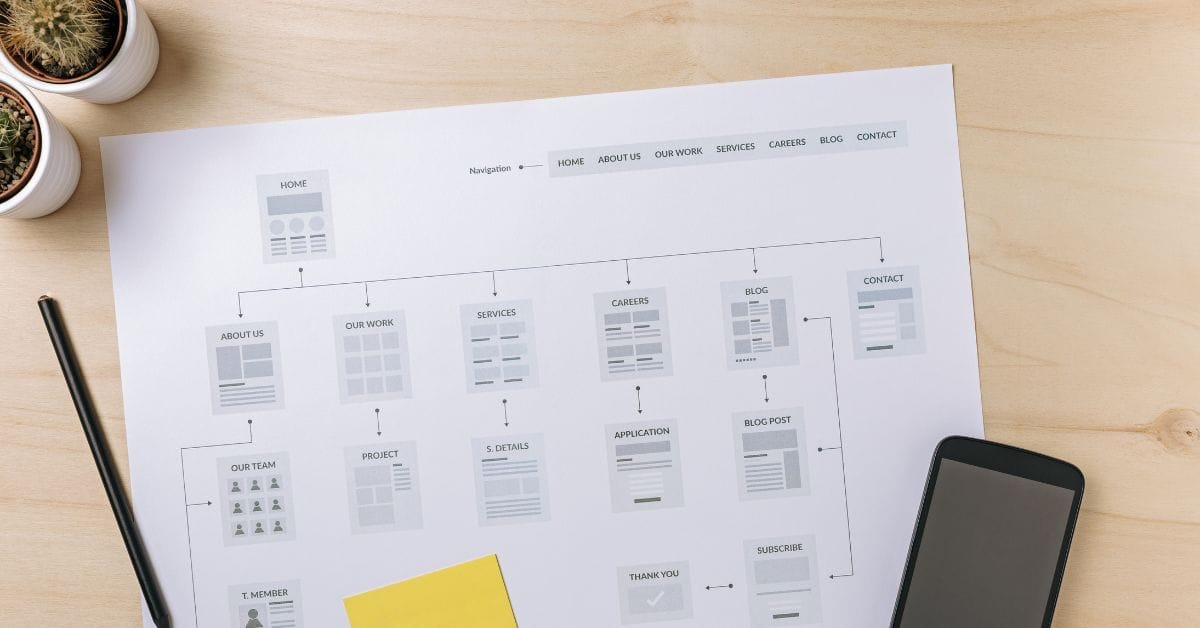
Where is the Sitemap on BigCommerce?
Are you trying to find your sitemap on BigCommerce but aren’t sure where to look? Whether you’re submitting your sitemap \[…\]

What size should your hero image be
In the vast realm of e-commerce, mobile images and web desChoosing the right size for your hero image is crucial \[…\]
What is the BigCommerce API
If you’ve been working in ecommerce, especially with BigCommerce, you’ve probably heard the term “API” thrown around. But what exactly \[…\]

What is BigCommerce Stencil?
If you are still using the BigCommerce Blueprint theme framework, it’s high time that you switched over to their new \[…\]

Welcome to Epic Page Builder Widgets
If you’re running an ecommerce store on BigCommerce, streamlining your page design without the constant need for developers is crucial. \[…\]
Stencil Local Development – Walkthrough
If you’re looking to develop on BigCommerce, using Stencil Local Development is a game-changer. In this video, I walk you \[…\]

Remove Powered by BigCommerce Link
If you’re running a BigCommerce store and want to remove the Powered by BigCommerce link at the bottom of your \[…\]

Page Builder Fields In Raw HTML BigCommerce Page Template
Are you trying to create custom landing pages on BigCommerce but struggling with how to use Page Builder fields in \[…\]

Most Popular Products on BigCommerce
Understanding Top Sellers and Customizing Your Store If you’re wondering how to display BigCommerce’s most popular products feed on your \[…\]